Clip videos. Prepare metadata. Upload to YouTube.
Upclip Studio is a desktop application that helps creators clip videos and prepare them for upload to social media platforms. Users can create clips, edit video metadata, and upload content to platforms such as YouTube and TikTok with explicit user permission. YouTube upload is available now. TikTok upload integration is currently under review through the TikTok Developer API.
Uploads are initiated by the user. This app is not affiliated with or endorsed by YouTube or TikTok.
What it does
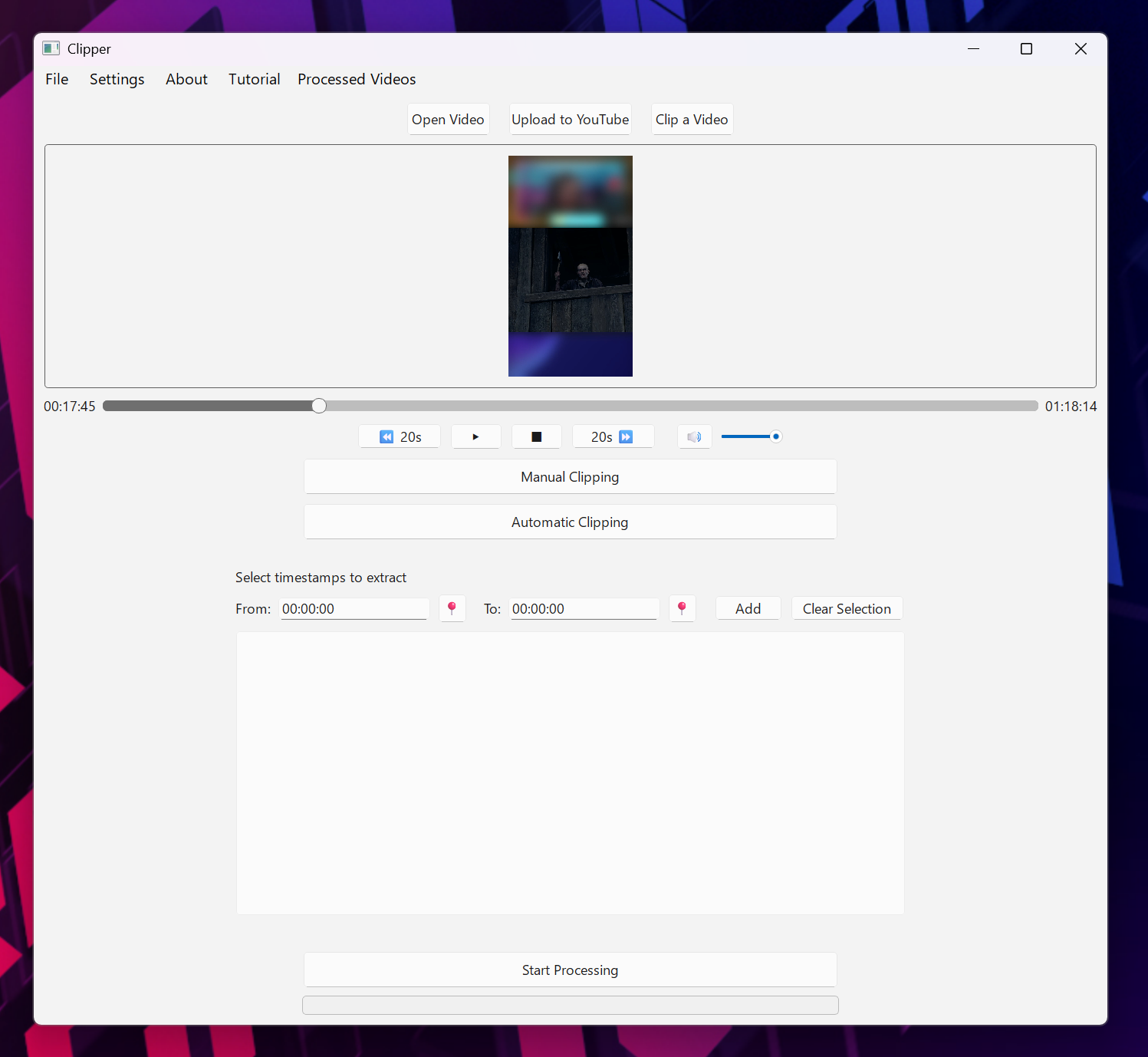
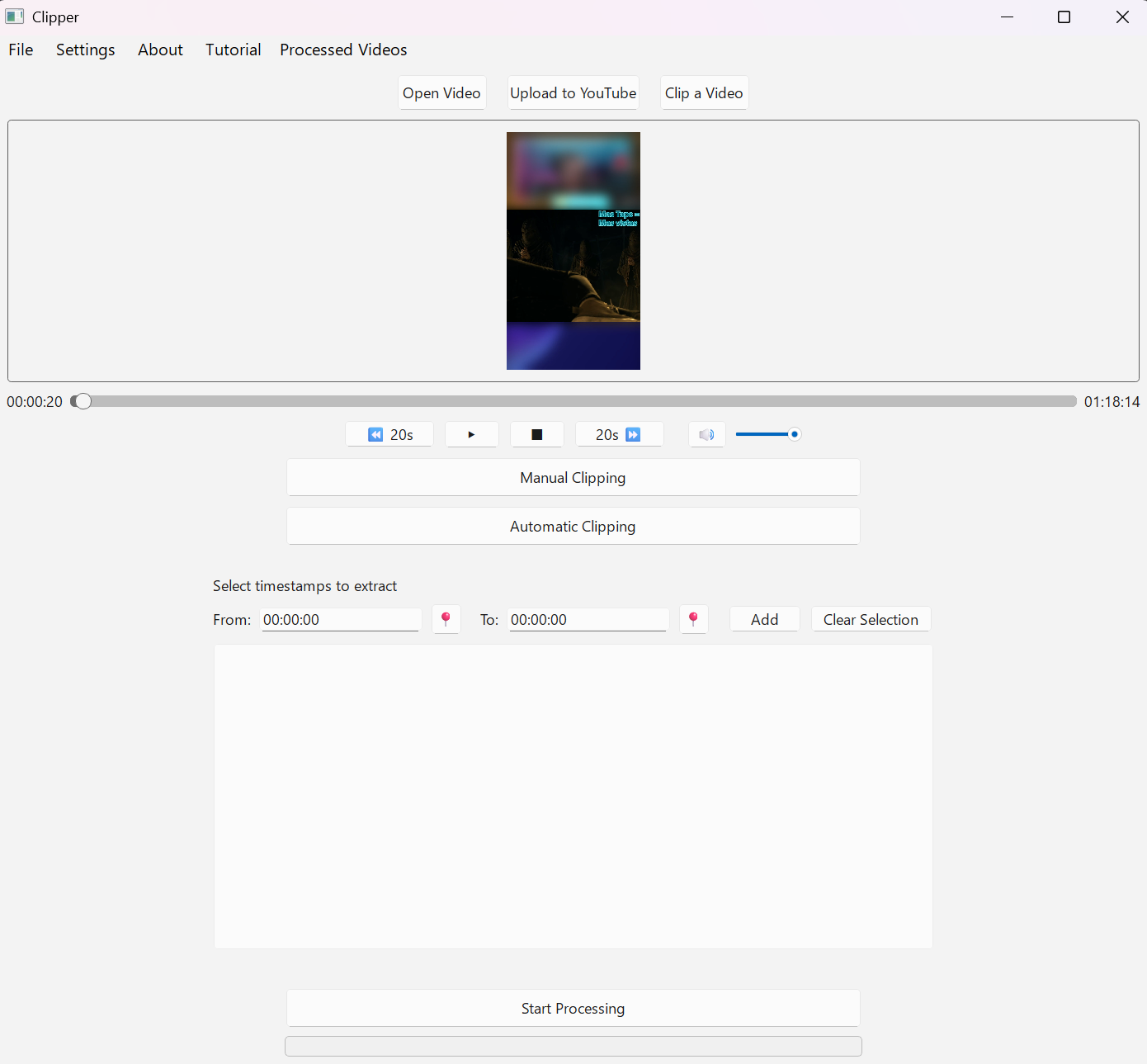
- Open and preview videos with playback controls.
- Create clips manually or by automatic intervals.
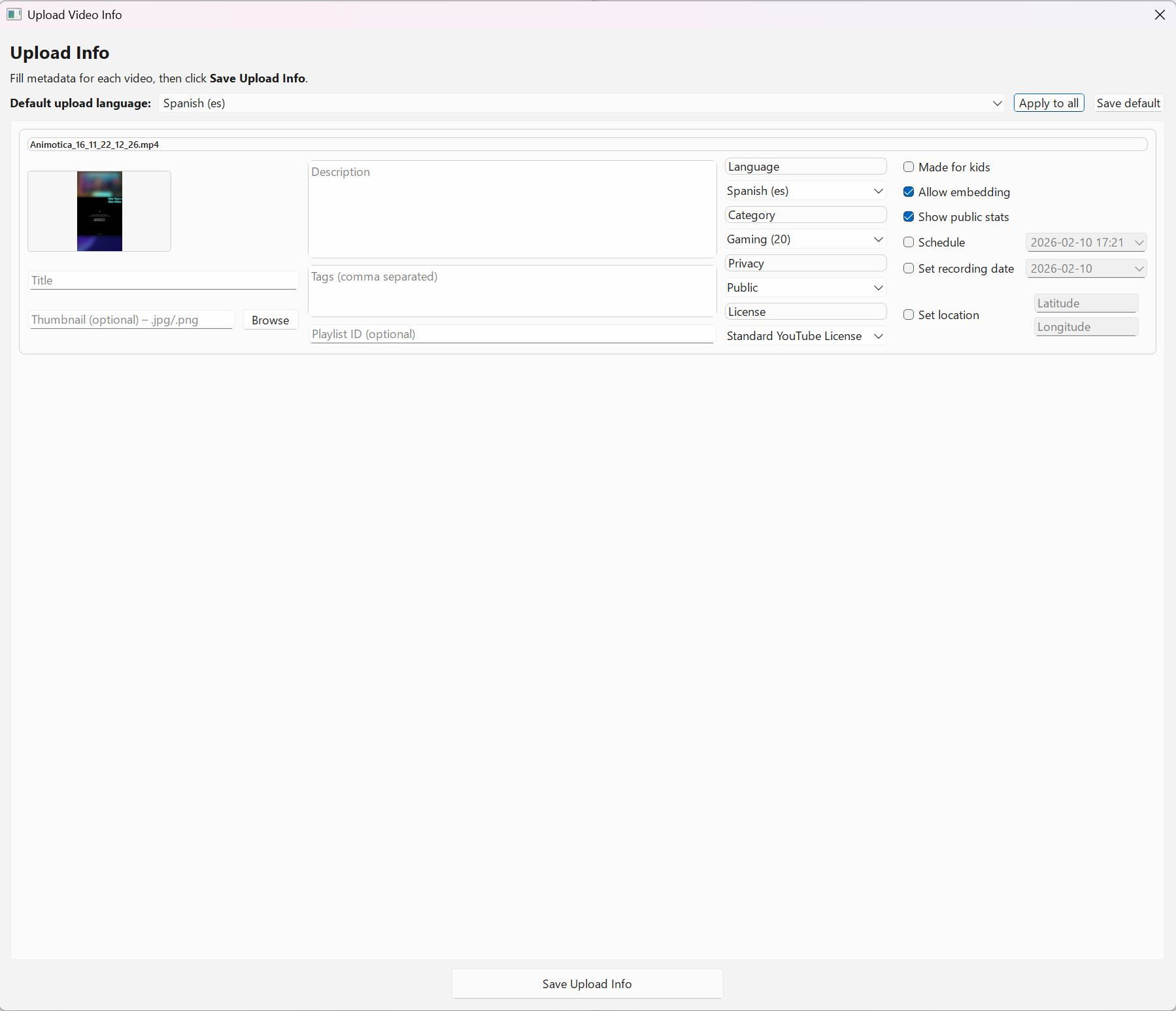
- Bulk edit upload info (title, description, tags, privacy, thumbnails).
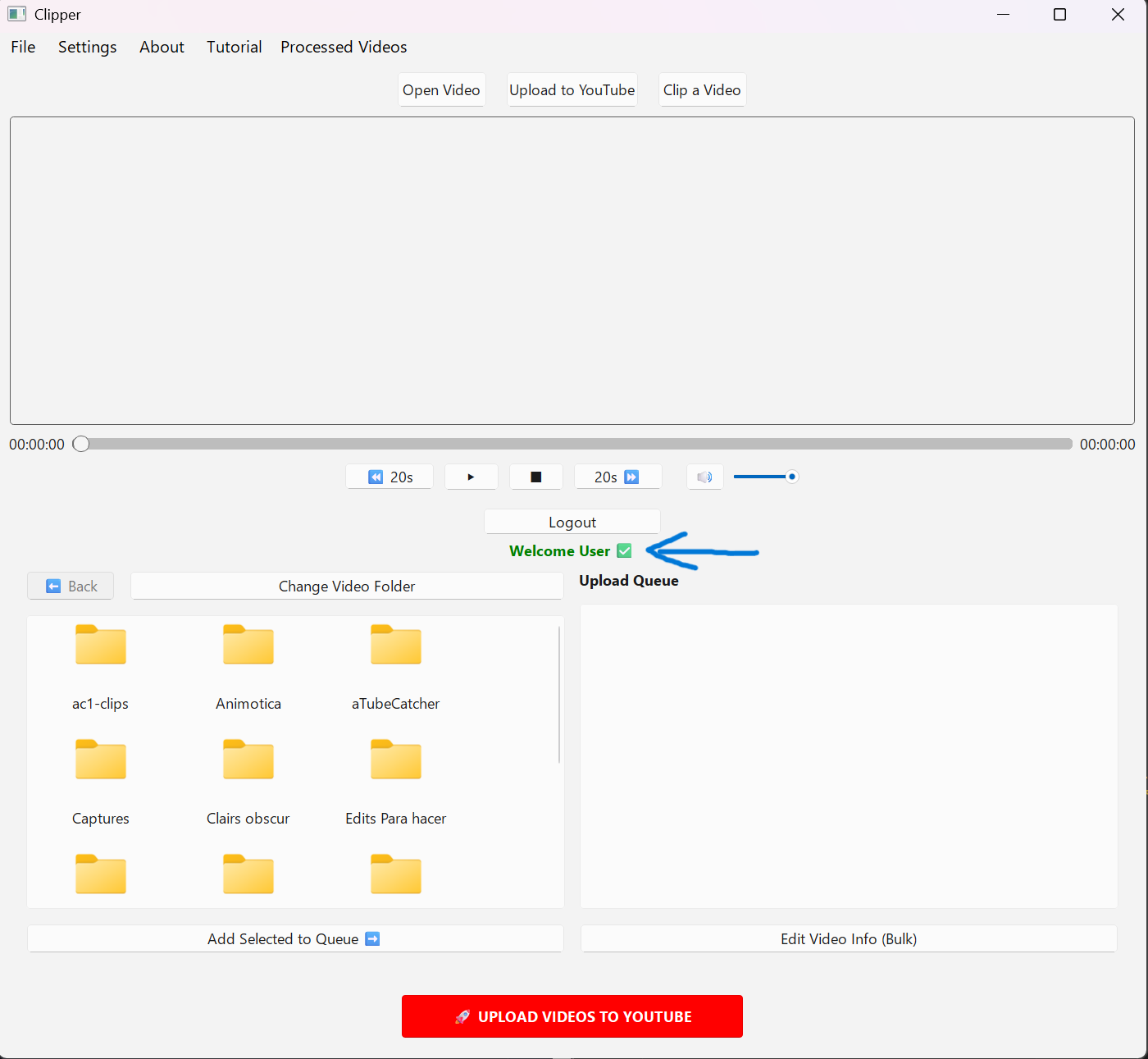
- Upload to YouTube after login and user confirmation.
Platforms
- YouTube: Sign in → set video info → upload.
- TikTok: “Coming soon” while API integration is in progress.
- All uploads are user-initiated (no background posting).
TikTok Integration
Upclip Studio allows creators to prepare short video clips that can be uploaded to platforms like TikTok. Uploads require the user to log in with their TikTok account and explicitly confirm each upload.
Screenshots
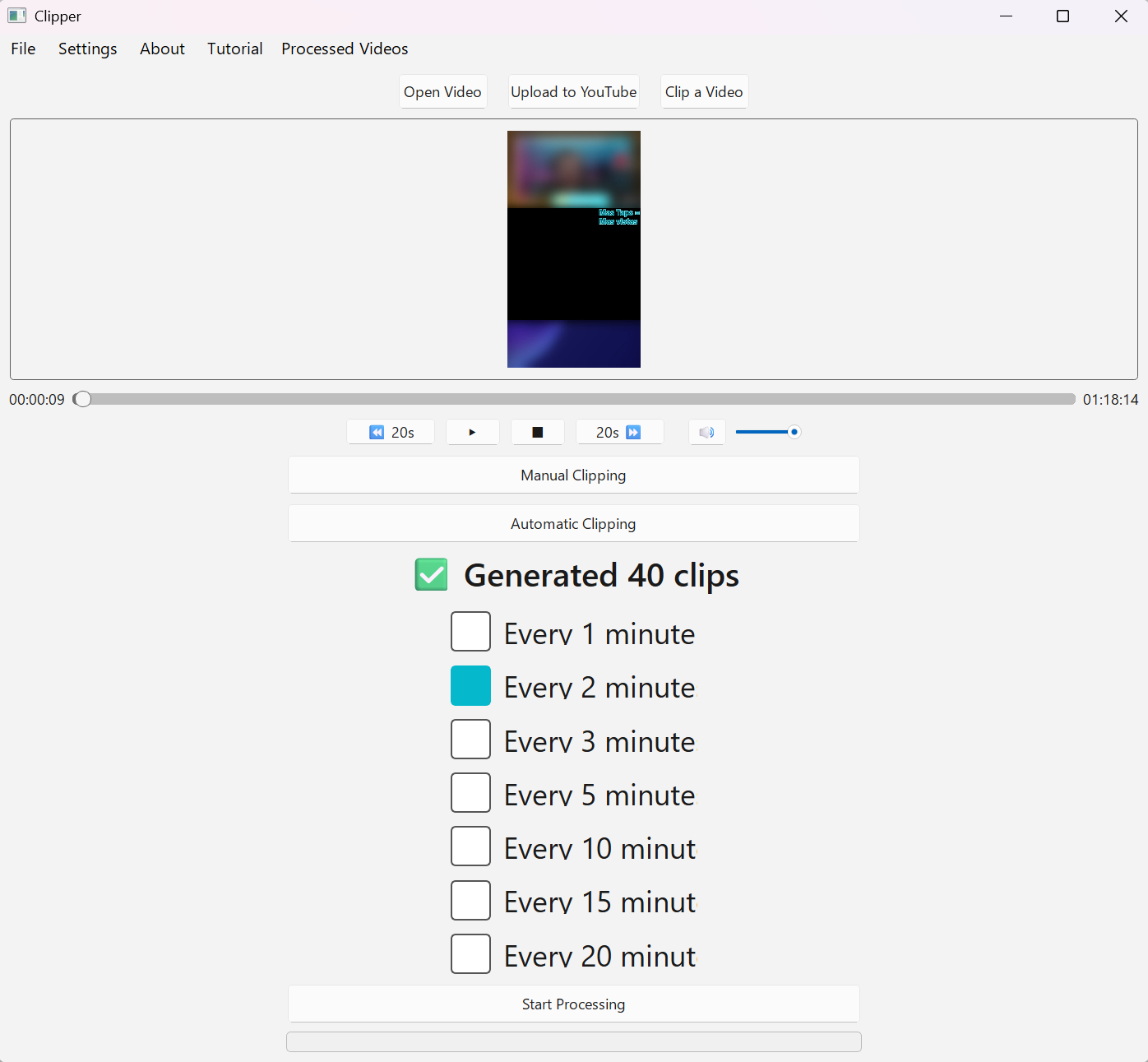
Quick start
- Click Open Video and load your file.
- Use Manual or Automatic clipping to generate clips.
- Add selected clips to the upload queue.
- Click Edit Video Info (Bulk) to set metadata.
- Click Login to YouTube, then Upload Videos to YouTube.
For full details, see the How it works page.